
 01
01 UTEAM Video Analysis
See moreChange the game
Turn match footage into a clear picture. Find the moments that matter and bring your ideas to the team.
- Match analysis
- Clips & presentations
- Visual annotations
UTEAM LAUNCHER/YOUR COACHING WORKSPACE
Analyze the game. Plan the next session. Bring your UTEAM tools together in one place, built for the way you coach.
For macOS & Windows·Free to download
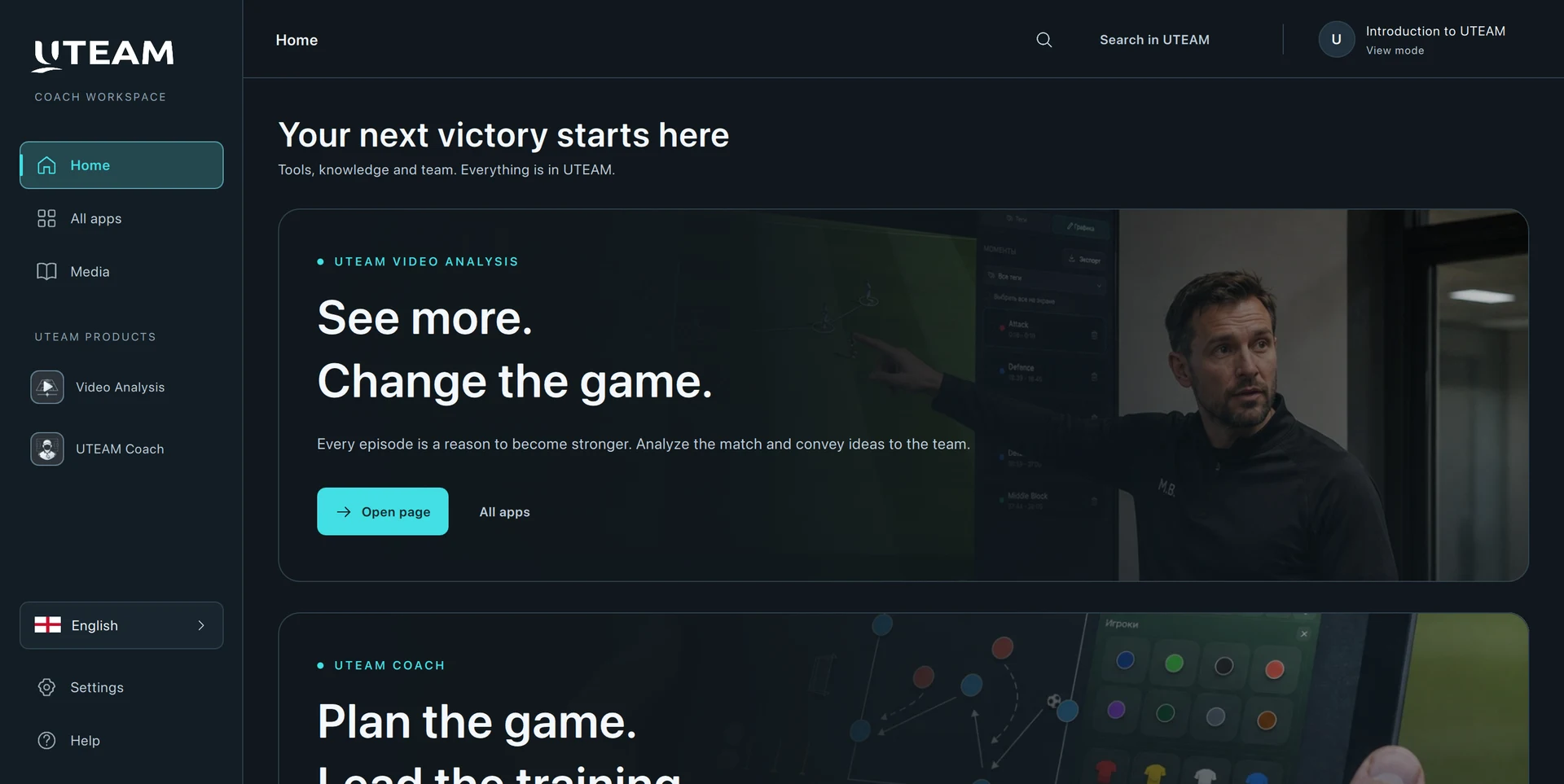
Your account. Your apps. One place to get started
Install and open your UTEAM applications from one workspace
Find and install the latest app updates in the launcher
FROM THE FIRST IDEA TO THE FINAL WHISTLE
Two dedicated applications. One shared ambition: help you get more from every game and every training session.
01UTEAM Video AnalysisTurn match footage into a clear picture. Find the moments that matter and bring your ideas to the team.
 02
02 UTEAM Coach
From an idea on the tactics board to a complete training session. Give your daily coaching work a space of its own.
READY WHEN YOU ARE
Choose your platform. Install the launcher. Sign in with your UTEAM ID and make it yours.
macOS 13.0 or later · Apple silicon & Intel
Download for MacVersion 0.1.19 · 162.7 MB
Windows 10 (22H2) / Windows 11 · Intel/AMD x64
Download for WindowsVersion 0.1.19 · 524.5 MB
UTEAM ID·Free to download
Your starting point for UTEAM on your computer. Discover, install, launch and update Video Analysis and UTEAM Coach from one application.
Yes. Sign in with the same UTEAM ID you already use. You can also create an account in the launcher.
Open the application catalog in the launcher, choose your product and install it. You can also manage available updates there.
Browse UTEAM articles about tactics, training and club culture in Media. The launcher also gives you a starting point for the UTEAM web platform.
The launcher is currently designed for Mac and Windows. An iPad version is not yet available.